 how-to
How to Print Digital Art for Home Decor Without Losing Quality
Last Updated: November 1, 2026
Quick Summary
To print digital art for home decor without losing quality, check the file's pixel dimensions first and aim for roughly 300 pixels per inch at your target size. Match the aspect ratio to your frame, then choose matte, satin, or fine art paper around 200 gsm or above.
- Multiply your target width and height by 300 to find the minimum pixel dimensions needed.
- A 4:3 photo will not fill an 8 × 10 frame without cropping, so match frame to file.
- Matte paper scatters light and shows no glare, suiting rooms with strong window light.
- Most home inkjet printers top out at 8.5 × 11 inches, so use a print lab for large pieces.
- Order one small test print before committing to a large run to check color accuracy.
Table of Contents
- Start With the Right File: Digital Art Print Size and Resolution
- Choose the Best Paper for Art Prints
- Decide Where to Print Digital Downloads: Home Printer or Print Lab
- How to Frame Digital Art Prints for Your Space
- Download Your Art and Plan Your First Print
- Frequently Asked Questions
Start With the Right File: Digital Art Print Size and Resolution
The best way to print digital art for home decor starts with one question: how big can this print digital art file go before it falls apart? Check pixel dimensions before anything else. A file that looks sharp on your phone can turn soft on a wall.
Print size is the physical width and height of your finished piece. Image resolution is the amount of detail packed into the file. Those two numbers decide everything that follows.
A file needs roughly 300 pixels per inch (ppi) for a crisp, close-up print. Below that, detail fades. The math is simple:
- Multiply your target width by 300 to get the minimum pixel width
- Multiply your target height by 300 to get the minimum pixel height
- If the file's pixels fall short, shrink the print, not the standard
Aspect ratio matters just as much. A 4:3 photo will not fill an 8 × 10 frame without cropping. Match the frame to the file, or plan the crop before you send it to a printer.
Matching Print Size to Your Wall and Viewing Distance
Size should follow the wall, not the other way around. A common rule of thumb: the art should cover about two-thirds to three-quarters of the wall width above a sofa or console. For a hallway, a smaller print at eye level works better than a large one squeezed into a narrow space.
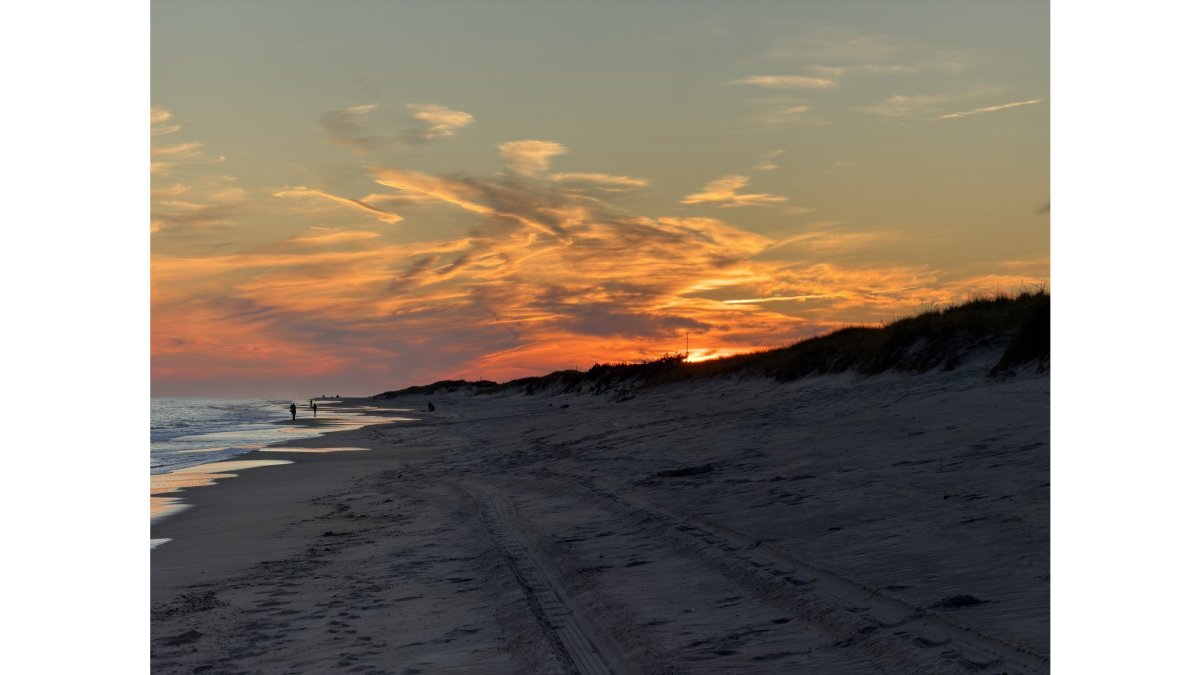
Viewing distance changes the resolution you need. A print seen from across a room hides small flaws. A print studied up close does not. A smaller file caps the maximum print size you can pull off, which is why checking pixels first saves a reprint later. Meadow Gate Under Evening Clouds, Landscape Digital Download shows how a smaller file limits the maximum print size, helping you judge what size suits your wall.
Checking DPI, Pixels, and Aspect Ratio Before You Print
DPI (dots per inch) describes how many ink dots a printer lays down. Pixels describe the file. People mix them up constantly.
Here is the pre-print check we recommend:
- Open the file's properties and note the pixel width and height
- Divide each by 300 to get your maximum print size in inches
- Confirm the aspect ratio matches your frame
- Look for a stated DPI in the file metadata, but trust the pixel count more
A file marked 300 DPI can still print soft if its total pixels are low. Evening Clouds Over a Forested Ridge, Digital Download Photo is one example with its pixel dimensions stated, so you can compare resolution and print size against your own art. Pixels win.
Choose the Best Paper for Art Prints
Paper choice changes how a print feels, how colors read, and how long the piece survives on your wall. The three variables that matter most are surface finish, paper weight, and archival quality.
Surface finish controls how light behaves on the print:
- Matte scatters light and shows no glare. It suits soft, moody nature scenes and rooms with strong window light. Blacks can look slightly flatter than on glossy stock.
- Glossy reflects light and boosts contrast and color saturation. It looks vivid under controlled lighting but shows fingerprints, glare, and reflections from lamps and windows.
- Satin or luster sits between matte and glossy. It holds deep blacks without the mirror-like glare of full gloss and is a common default for photographic prints.
- Fine art textured (often called rag or cotton paper) has a visible tooth that adds depth to painterly or landscape images. It is usually acid-free and made for archival inks.
Paper weight is measured in pounds (lb) for text-weight stock or in grams per square meter (gsm) for heavier art stock. A few reference points:
- Standard copy paper runs about 20 lb (75 gsm) and feels flimsy in a frame.
- Photo paper typically runs 44-68 lb (160-250 gsm).
- Fine art and matte presentation papers commonly run 200-300 gsm or higher and feel substantial in the hand.
Heavier stock resists curling, cockling (wavy distortion from absorbed ink), and show-through. For most home decor prints, a matte, satin, or fine art paper in the 200 gsm range or above is the safest pick.
Archival quality is the third lever. Look for acid-free and lignin-free papers, which resist yellowing and embrittlement over time.
Order one small test print before committing to a large run. A proof on your chosen paper tells you more than any screen preview ever will, especially for dark greens, deep blues, and skin tones, which shift most between finishes.
Decide Where to Print Digital Downloads: Home Printer or Print Lab
Where you print digital downloads depends on size, budget, and how often you print. A home inkjet printer handles small prints on demand. A professional print service handles large formats and consistent color.
Home printers have real limits. Most top out at 8.5 × 11 inches, and ink costs add up fast. Consumer inks also fade sooner than archival inks. For a statement piece above a sofa, a print lab is usually the better call.
Use this quick decision guide:
| Situation | Best Option | Why |
|---|---|---|
| Small prints, quick turnaround | Home inkjet printer | Cheap per sheet, instant |
| Large statement piece | Professional print service | Handles big formats and color |
| Archival, long-lasting art | Print lab with archival inks | Resists fading for years |
| Frequent reprints | Home printer | No waiting on shipping |
Printer Settings and Color Management for Accurate Results
Screens glow. Paper reflects. That gap is why prints sometimes look duller than expected.
Color management is the process of keeping colors consistent from screen to printer to paper. It starts with calibrating your monitor, then using the right color profile for your paper.
A few settings do most of the work:
- Choose the paper profile that matches your stock
- Set print quality to high
- Turn off automatic color enhancement
- Let the printer manage color, or use a calibrated profile, not both
RGB is the color mode for screens. CMYK is for print. Most home printers accept RGB files and convert them. A good lab will handle the conversion for you. Always run a test print to check color accuracy before a full run.
How to Frame Digital Art Prints for Your Space
Framing turns a print into decor. The right frame size, mat, and placement make the piece feel intentional.
Start with the frame size. Buy the frame to fit your print, not the reverse, unless you plan a mat. A mat adds breathing room and makes a small print feel larger.

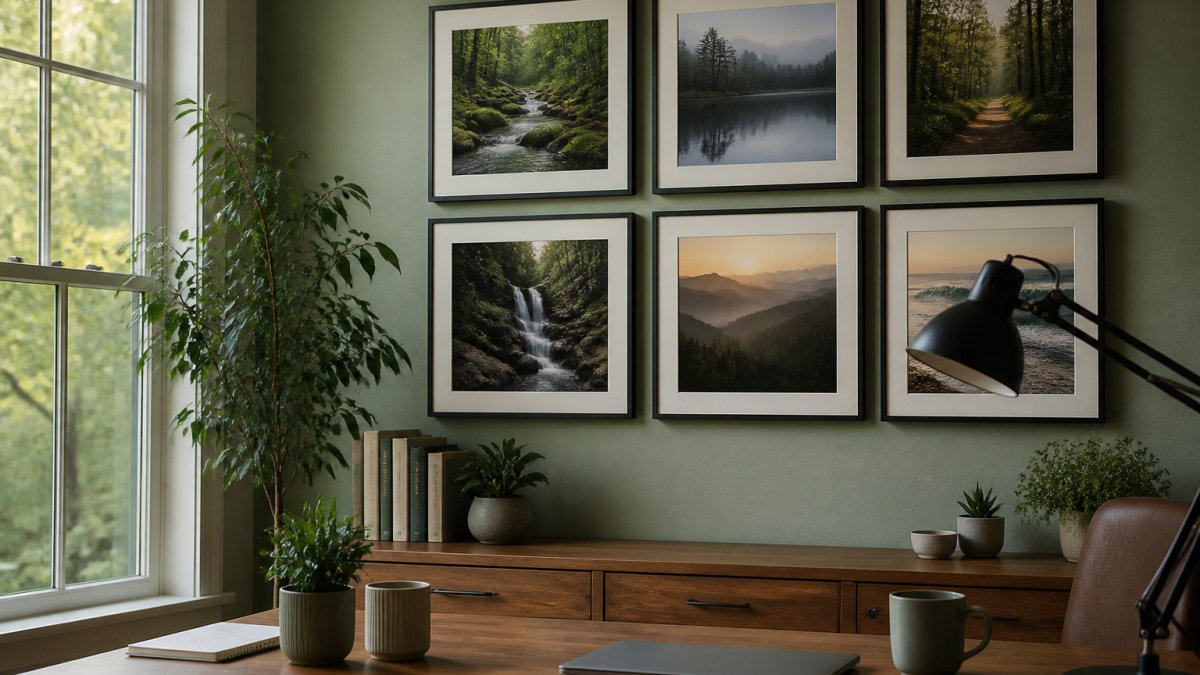
For a gallery wall, lay the frames on the floor first. Space them a few inches apart and center the group at eye level. Renters can use removable hooks to avoid wall damage.
Download Your Art and Plan Your First Print
Your first print is a small project, and it should feel calm, not complicated. Pick one image, decide on a size, and start with a single proof.
At Photos by Mark Page, our digital downloads are made for exactly this. , so you can bring nature's quiet moments onto your own walls. When you're ready, explore the Photos by Mark Page collection and find a scene that fits your space.
Frequently Asked Questions
What resolution should digital art be for printing?
Aim for 300 DPI at the final print size. For an 8x10 inch print, that means an image of at least 2400 x 3000 pixels. Larger prints can drop to 150-200 DPI and still look sharp from normal viewing distance. Before ordering, check the pixel dimensions of the file against your planned print size, since a small file stretched to a large canvas will look soft and pixelated.
Can I print digital art at home, or should I use a print shop?
Home inkjet printers handle smaller prints well, but they limit you on paper choice, maximum size, and archival longevity. For anything larger than roughly 8x10 inches, or when you want fine art paper and colors that last decades, a professional print lab is the better call. Many labs also offer test prints, so you can proof a file before committing to a full-size print for your wall.
How do I choose the right print size for a digital art file?
Measure your wall space first, then factor in viewing distance. A print viewed from a few feet away, like above a desk, works well at 8x10 or 11x14 inches, while a sofa-wall piece viewed from across the room can go 16x20 or larger. Keep the file's aspect ratio in mind so the image is not cropped awkwardly, and leave breathing room around the frame so the artwork does not crowd the wall.
What is the best paper for printing digital wall art?
Matte and fine art papers suit nature photography and calm, muted palettes because they reduce glare and add texture. Glossy paper makes colors pop but reflects light and shows fingerprints. For prints you plan to keep for years, look for archival or acid-free paper paired with pigment-based inks, which resist fading far better than standard copy paper and dye inks.
Printing digital art well comes down to a few careful steps: check the pixels, match the size to your wall, choose the right paper, and proof before you commit. Photos by Mark Page gives you high-resolution nature downloads, clear file dimensions, and custom collaborations to turn your own memories into art. Get started with Photos by Mark Page and bring a calm, gallery-quality piece into your home.